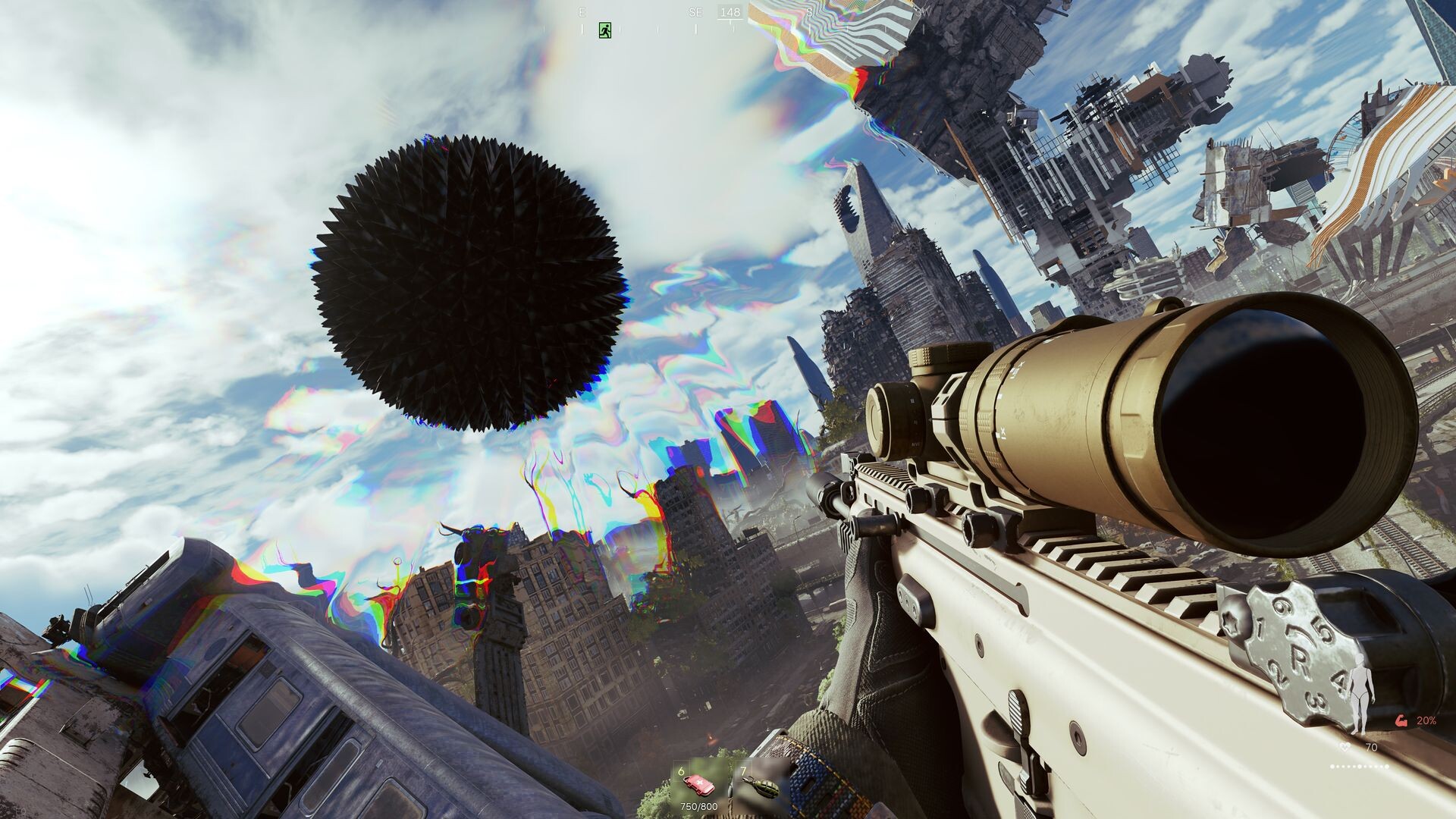
Who Makes Active Matter and What You Do in a Raid
Active Matter is a hardcore online shooter developed by Matter Team, sold on Steam as app 2887580 and launched on September 15, 2026 for Steam, Xbox Series X|S, and PlayStation 5.
You play an operative stuck in a time loop, always brought back from the dead to the same point: pick your loadout and enter quantum-unstable zones rich with active matter, the most valuable and the most dangerous resource in all the multiverse.
In the zone you fight rivals from other timelines, survive physics-breaking anomalies, harvest active matter, gather loot, and extract to a safe place before the whole zone ceases to exist with everything inside it.
Go solo or team up in small squads for PvPvE and PvE raids: extraction raids are the main mode, PvP is also available with more modes planned for the future, and a dedicated PvE mode is there for operatives who don't want to fight other players.
Where to Buy the Current Release on PC and Console
The current release is live: Active Matter launched on September 15, 2026, and its editions are available on PC through Gaijin Store and Steam, as well as on PlayStation 5 and Xbox Series X|S.
Pick one of the currently available editions: Standard, Advanced, or Deluxe. They differ in their starting selection of weapons, equipment, and in-game resources, while the content available to buyers is otherwise identical, and the Standard Edition is priced at 29.99 USD/Euro in relevant regions.
Bought the early version through Gaijin Store? Then you receive free access to the game on your Steam account instead of a new purchase, and you need to link your accounts by November 23, 2026 — the walkthrough below covers every step.
Claiming a Free Steam Edition After an Early Gaijin Store Purchase
- Start by confirming you own the early version of Active Matter purchased through Gaijin Store: owners of the Early Version have the opportunity to get free access to the game on their Steam account.
- Complete the claiming while the offer is open: free access to the game on Steam is available until 90 days from the publication of the claiming announcement, which is November 23, 2026.
- Check your account pairing first: if the Gaijin account you used to play the launcher version is already linked to a Steam account through one of the studio's other games, you must use that same Steam account, because signing in with a different Steam account means your progress will not transfer.
- Go to the dedicated claiming page and sign in with the Gaijin account you used to purchase Active Matter.
- Collect the edition that matches your Gaijin Store purchase: Premium Edition owners receive the upgraded Deluxe Edition that replaced it, Elite Squad owners receive the Steam version with the same bonuses but without the additional keys, and friends who redeemed those bonus keys receive the Standard Edition.
- When your accounts are linked, your progress from the launcher version transfers to Steam, and any Active Matter demo progress you already had on Steam is replaced by your launcher progress.
- Play the Steam version starting September 15, the day the game launches.
Linking leaves you with both versions in hand: you retain access to the game through the launcher, your progress is shared, and you can continue playing on PC either through the Gaijin.Net launcher or through Steam; more information is in the account-linking instructions.
Two scope notes for later: shared progress between the versions is available only between the Steam and Gaijin.Net versions on PC, and after linking your accounts, you will only be able to upgrade your edition through the Steam Store.